
The XRHandle difference
They look in.
You connect.
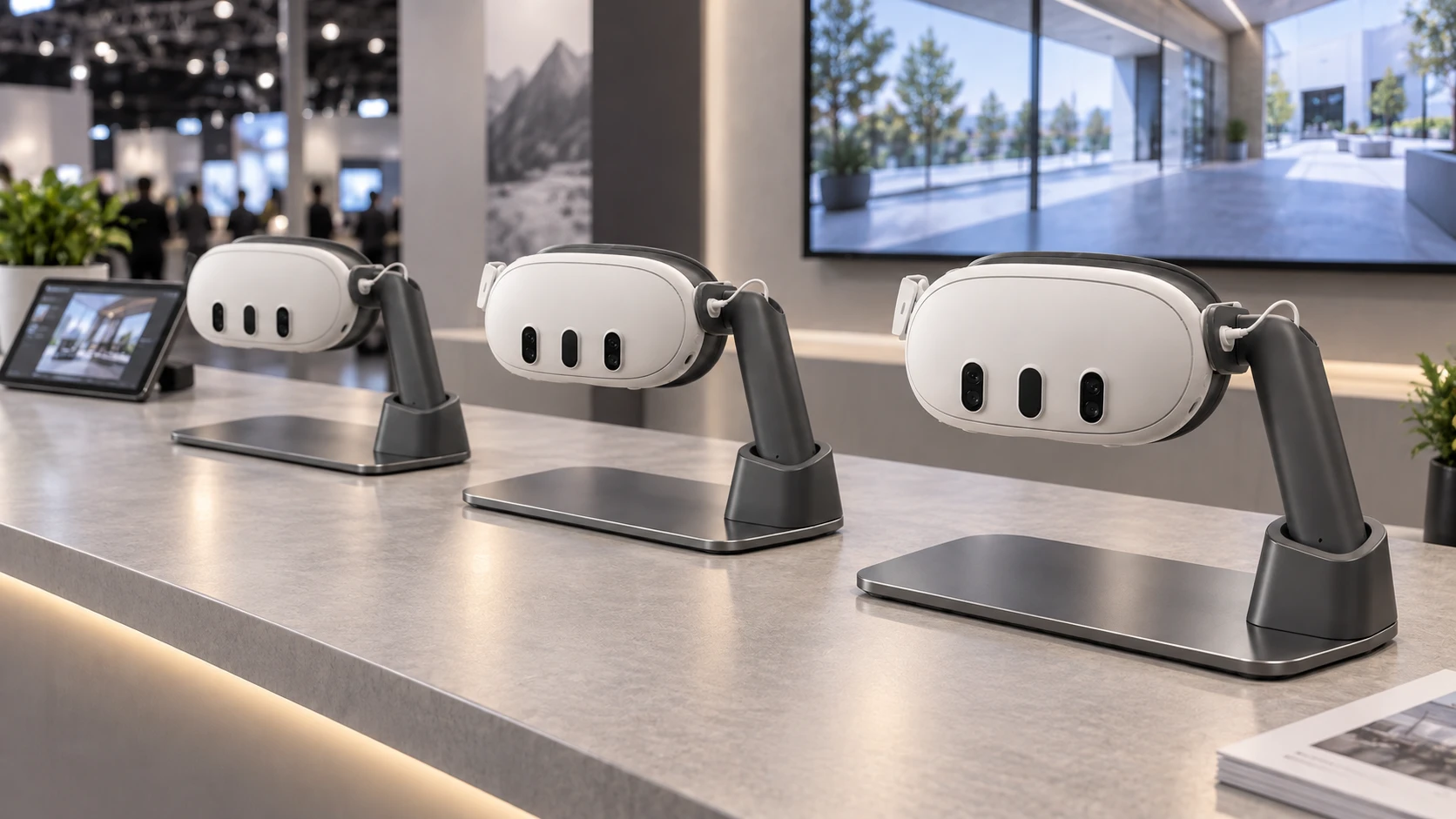
A simple lift brings guests into the experience. They can lower it, share a reaction, and keep the conversation going.

For Enterprise

XRHandle helps make it easier to begin.
XRHandle compatibility
Your audience only has a moment.
Skip the setup. Start with the story.
Easy to begin. Easy to share. Easy to remember.
The XRHandle difference
A simple lift brings guests into the experience. They can lower it, share a reaction, and keep the conversation going.
Participation
No straps to adjust. Less fuss around glasses, hair, and makeup. Just pick up, look in, and stay part of the conversation.
Explore PresentXR
01 Events
A familiar handle makes joining in feel natural.

02 Interiors
Explore a design in the space around you. Then talk through the possibilities.

03 Teams
Guide the experience from your tablet. Keep everyone part of the discussion.

04 Industry
Bring immersive ideas into the places your teams already work.

05 Together
More people looking in. More to talk about together.

XRHandle supported

Meta Quest 3 · XRHandle supported

Support coming soon
The XRHandle Enterprise Companion App
A whole room. At your fingertips.
PresentXR in action
Your slides are on iPad. Choose what you want your guests to see.




Choose a slide on iPad
Interactive illustration of the presenter and guest experience.
Bring your ideas to life
Build a presentation in PresentXR, or work with our designers and experts on an experience shaped around your needs.
 The PresentXR platform
Drag in media and 3D models. Arrange your slides. Build a presentation that tells your story, ready to guide from your tablet.
Talk about PresentXROur designers and experts
Bring us your idea and what you want guests to understand. Our team will work with you to design and build an experience for your needs.
Talk about your project Not sure where to start? Let’s talk it through.
Give your guests a new perspective on your ideas.

Exploring XRHandle or have something in mind? Send us a note, or choose a time to talk. We’ll help you work out what’s right for you.