For schools and institutions
Partner with us.
Tell us about your school or program. We'll come back with a pilot plan, hands-on demonstrations, and a rollout shaped around how your students actually learn.

For Education
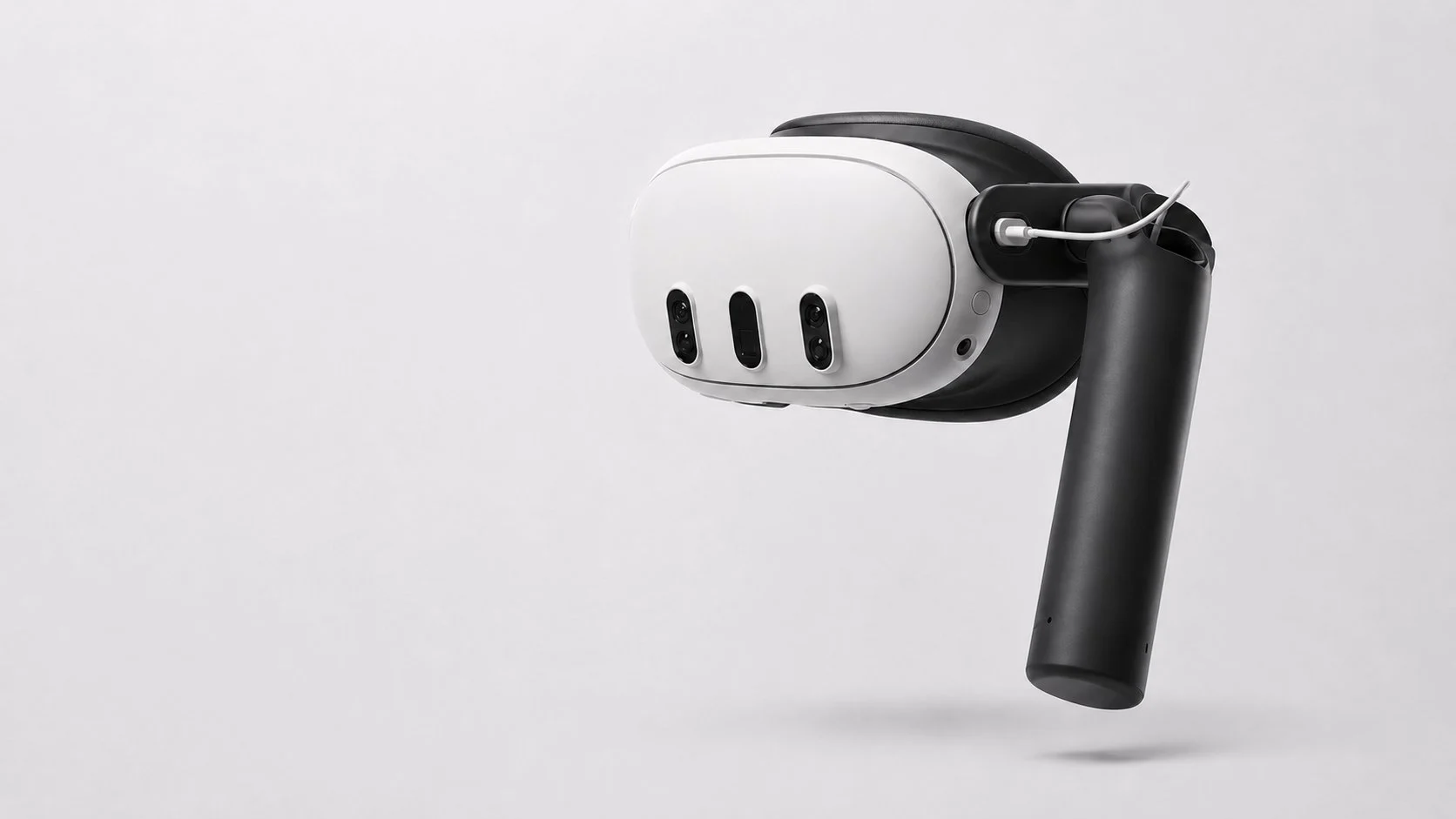
XRHandle helps make it easier to begin.
XRHandle compatibility
Immersive learning has the power to transform the classroom.
XRHandle helps make it easier to begin.
Less setup. More learning.
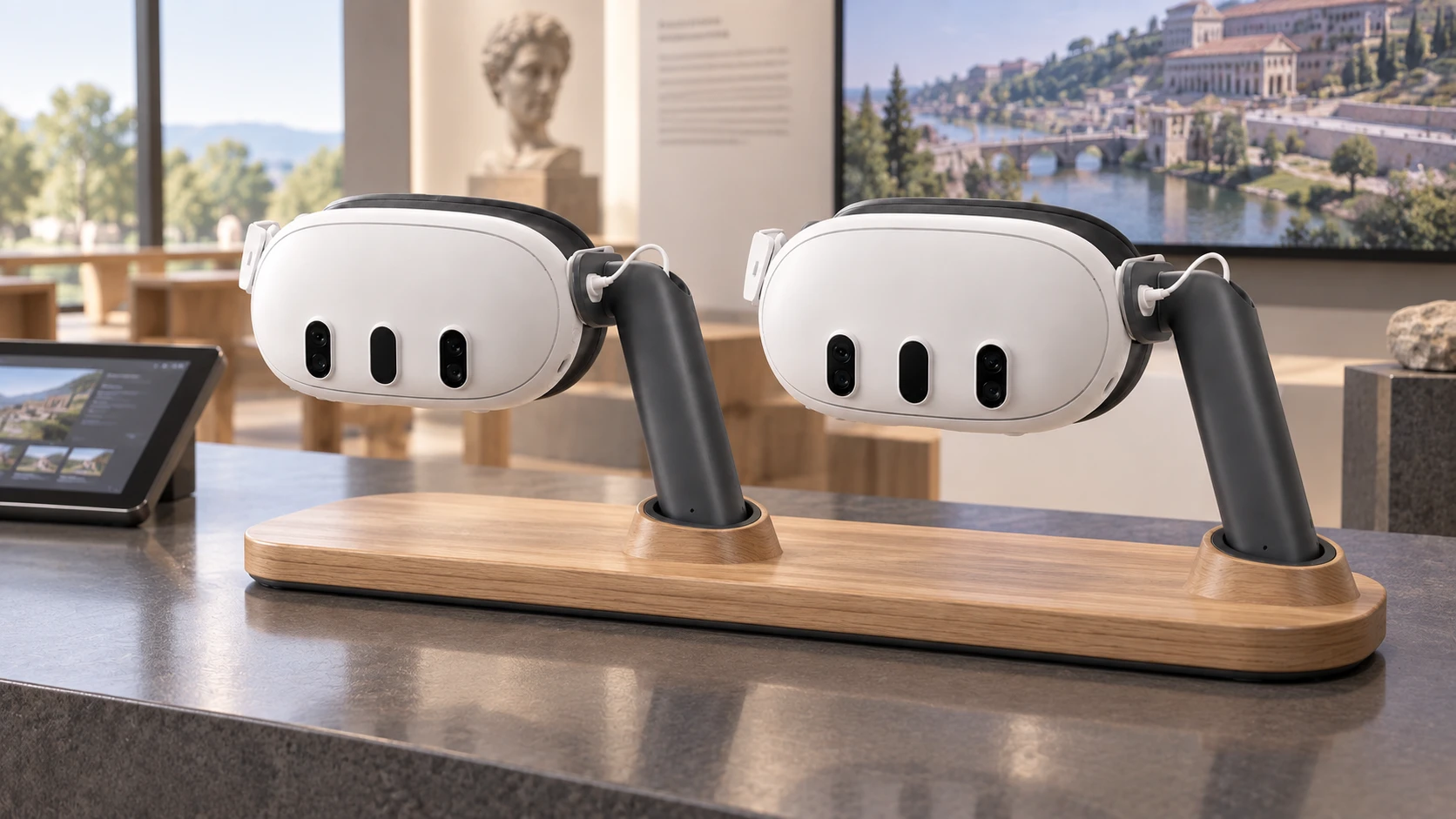
Comfort and ergonomics
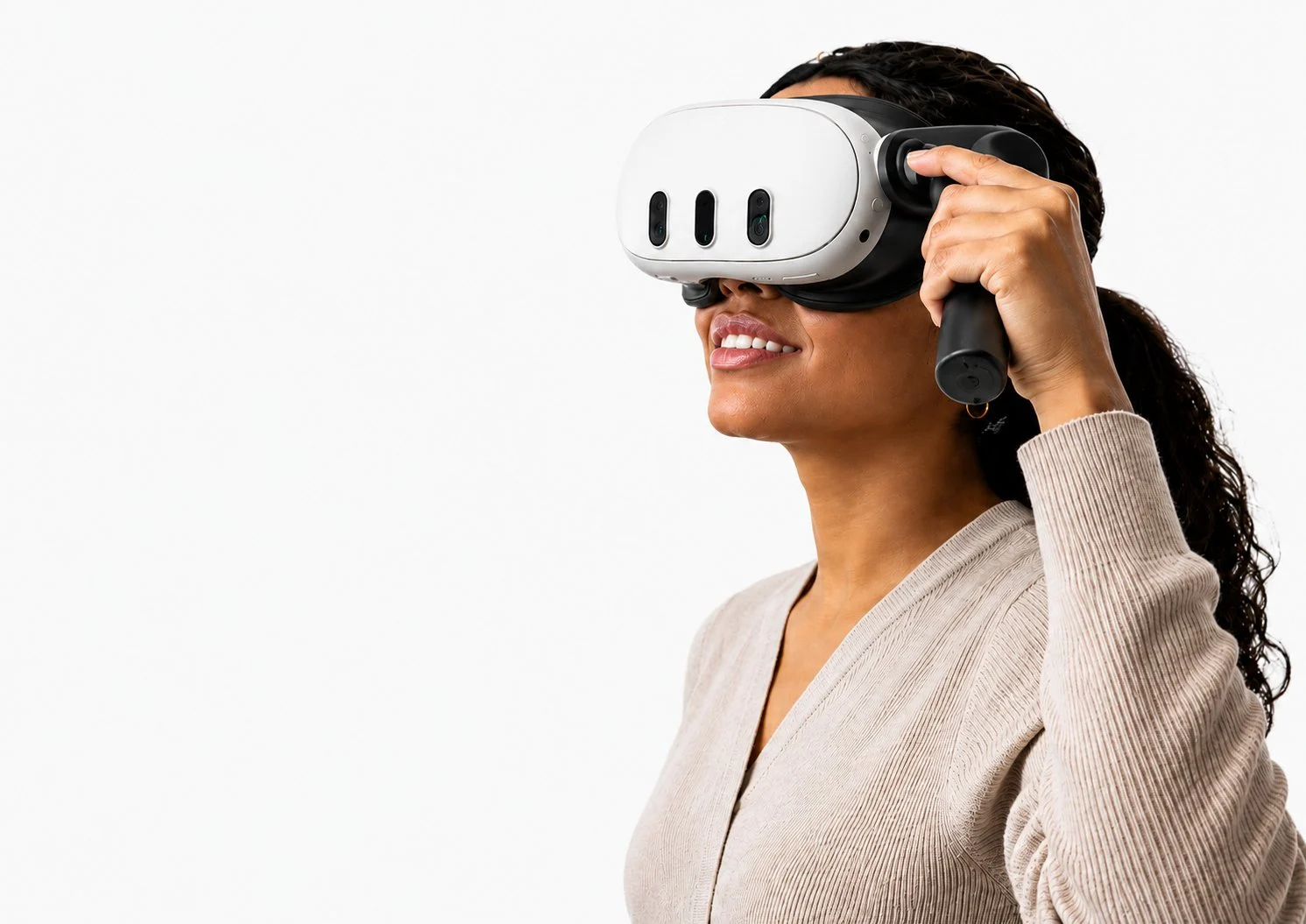
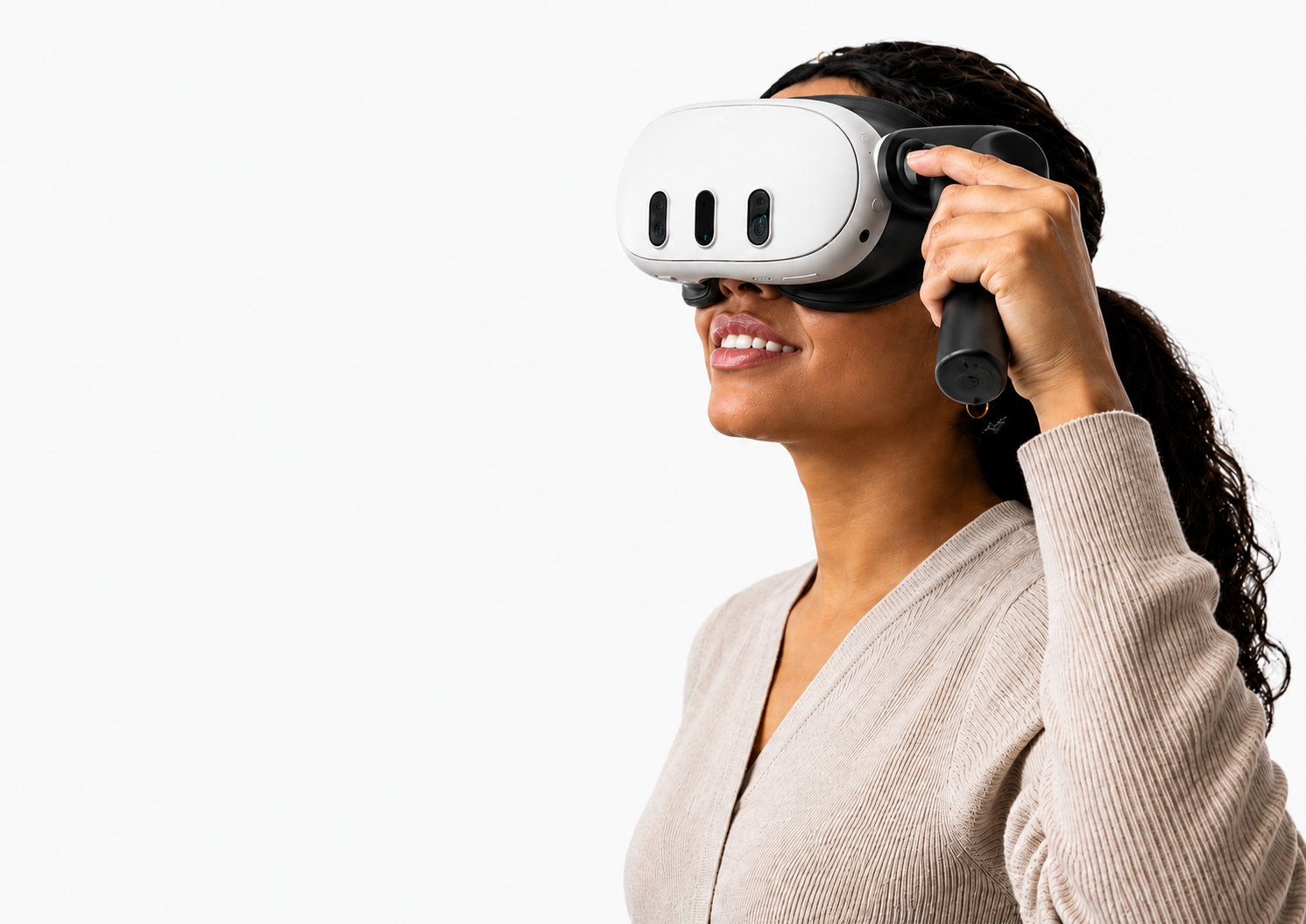
Designed to feel natural from the moment you pick it up. No tight straps, no setup ritual — just hold the headset, look in, and go.
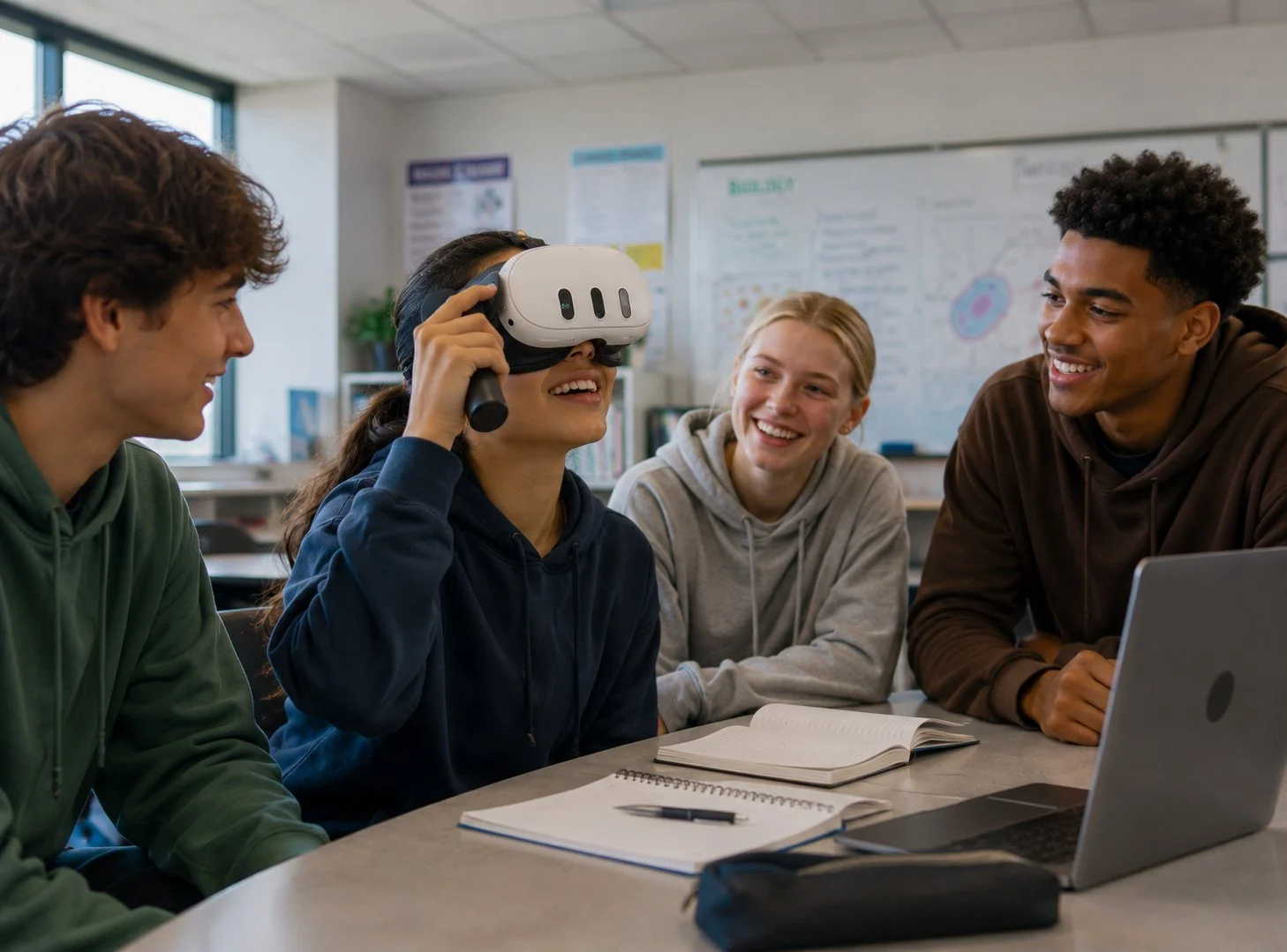
Social learning
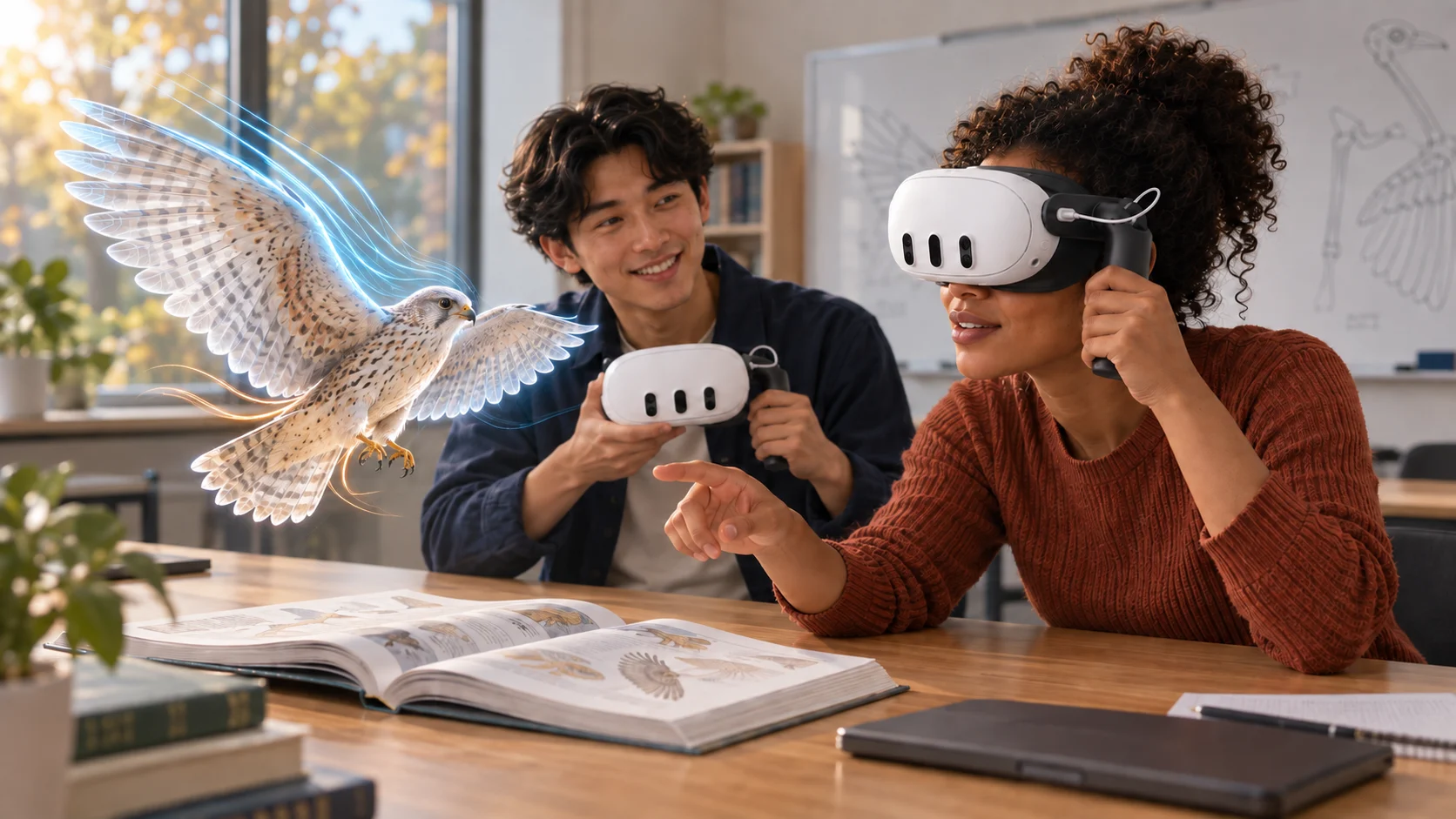
XR experiences shouldn't isolate students. XRHandle keeps the device approachable enough that classmates can still see, talk, and react together
— turning a single headset into a shared moment of curiosity.
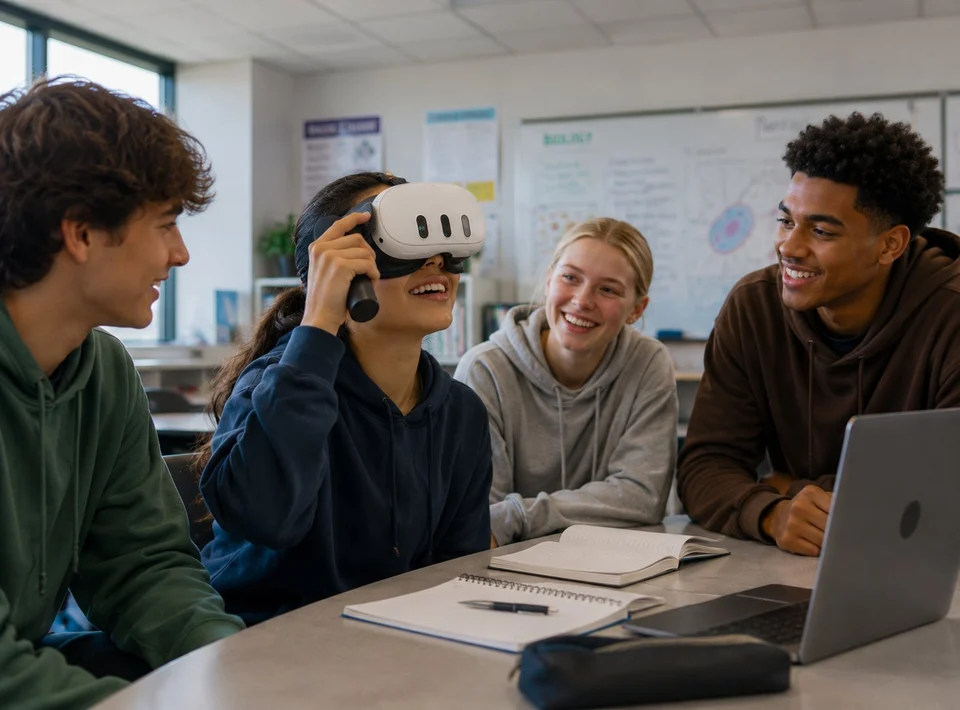
Stays connected
Students stay part of the classroom. XR doesn't have to mean tuning out. XRHandle keeps the experience approachable, so the conversation continues.
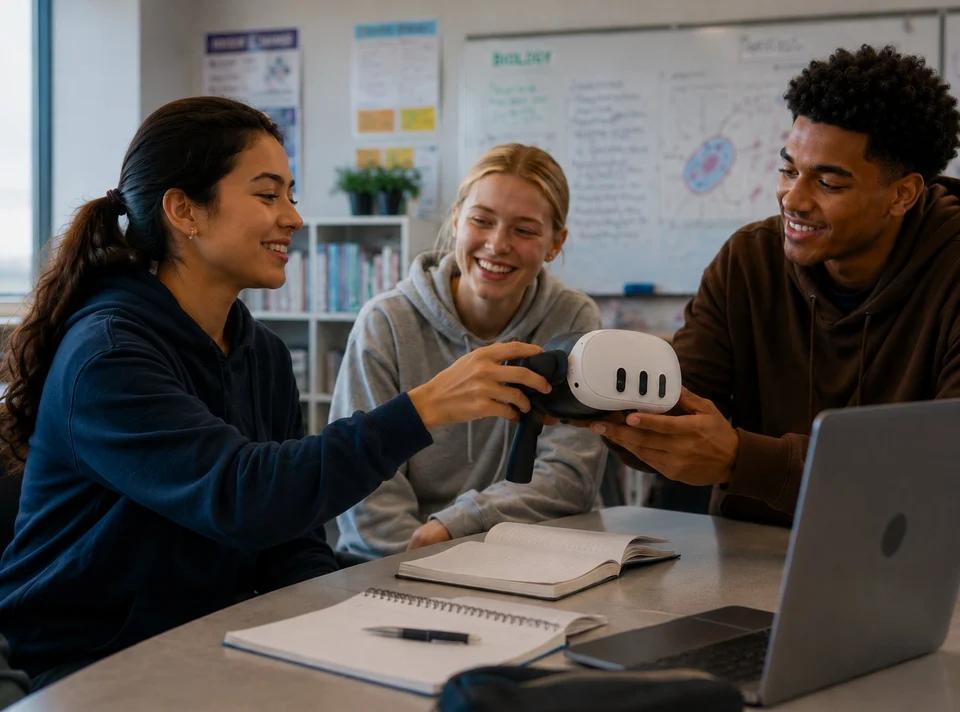
Curiosity first
The handle invites participation. A familiar grip makes the first step feel obvious. Pick it up, try it, pass it on.
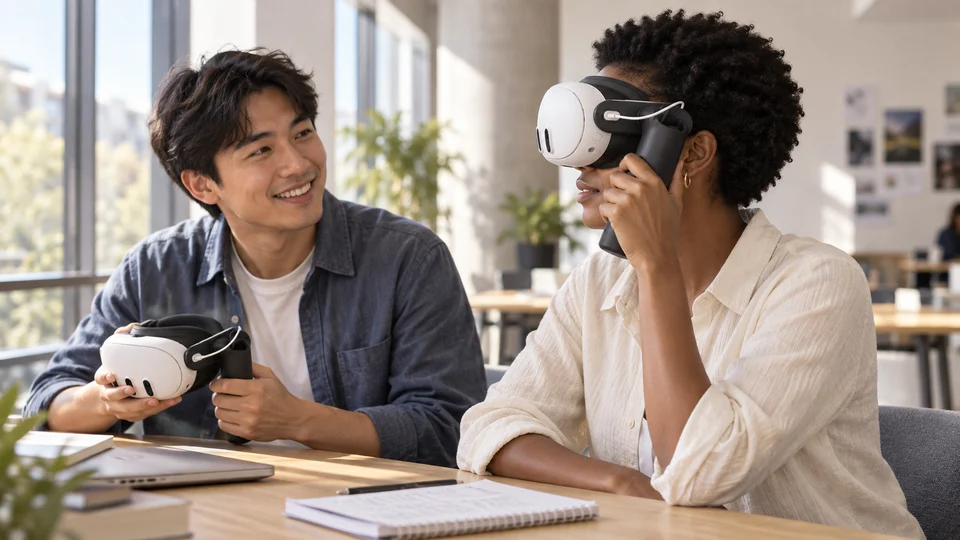
Group learning
One device, shared moments. The handle makes it easier for students to take turns, narrate what they see, and stay engaged together.
Comfort and focus
When technology feels uncomfortable, students
disconnect.
When it feels natural, they focus on the
experience.
Comfort that supports
focus.
Built for classrooms
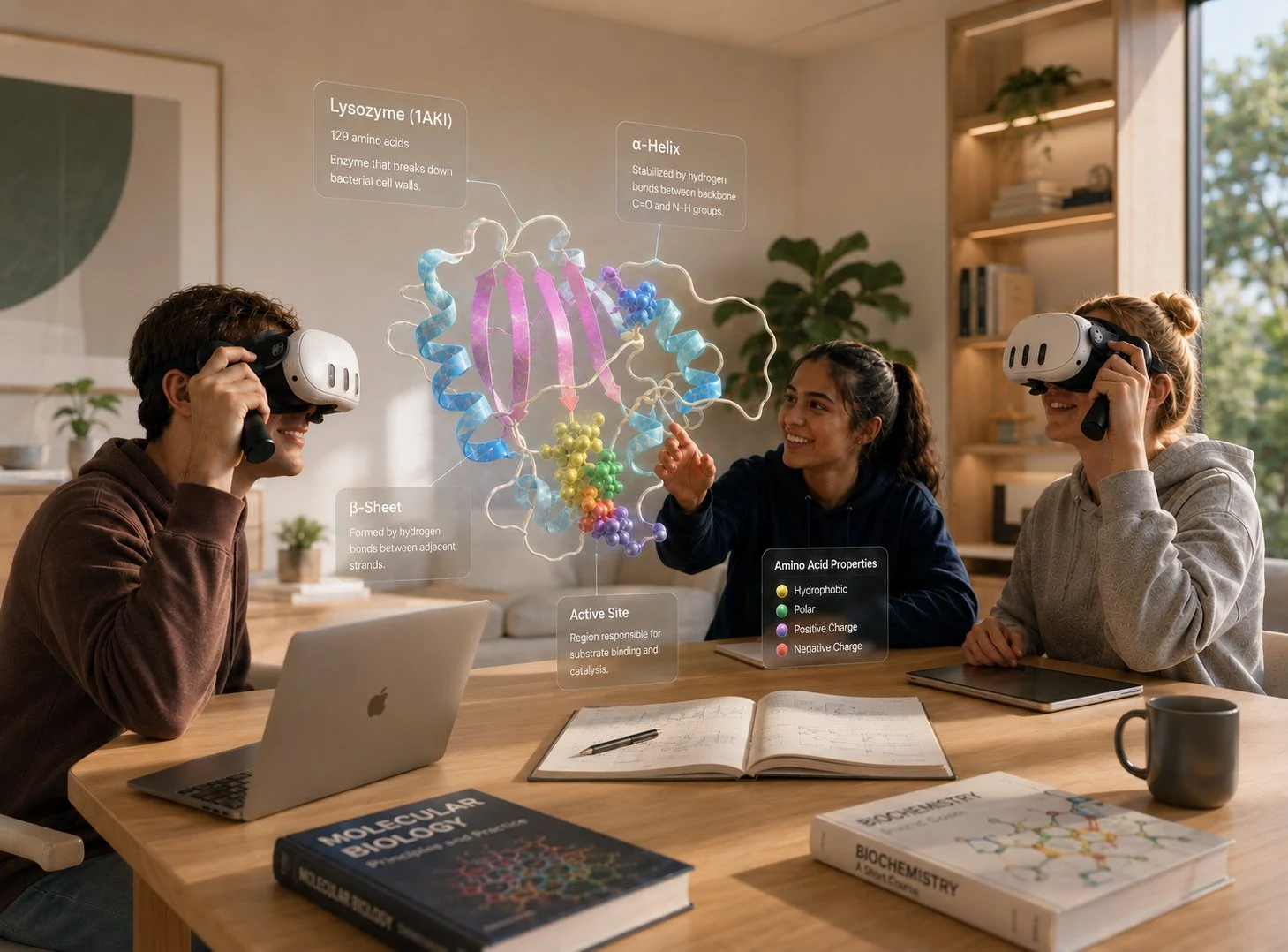
Easy to use. Easy to share. Easy to manage. XRHandle is built for the way XR actually gets used in schools — across periods, across students, across the whole day. One device, many learners, less friction.
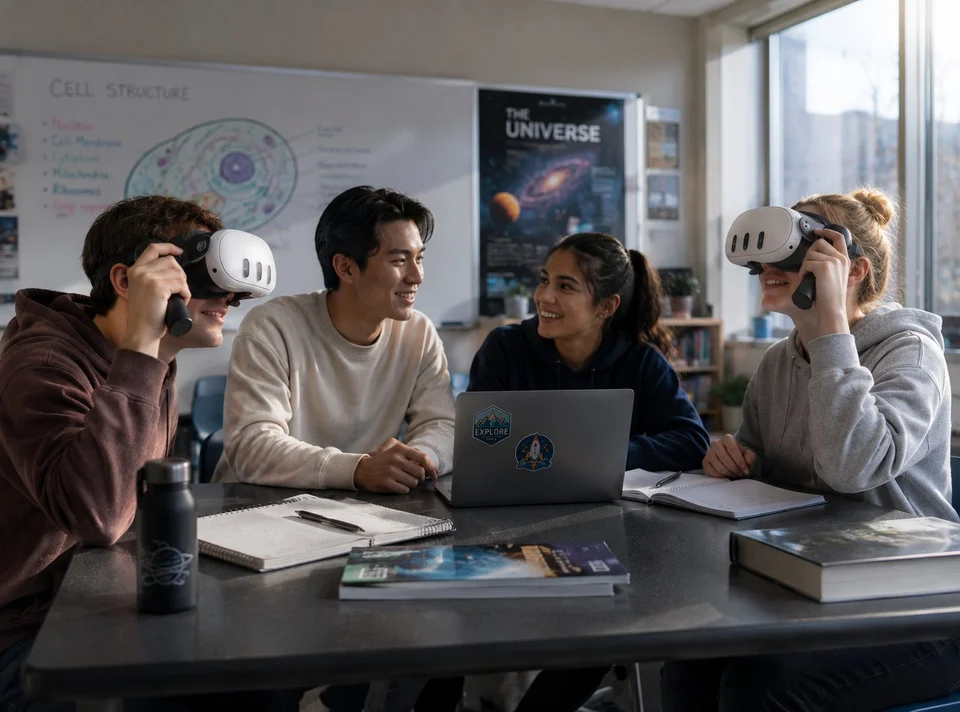
Repeatable workflows
Designed to scale. The same device travels through a day of classes — XRHandle helps every handoff feel familiar and more confident.
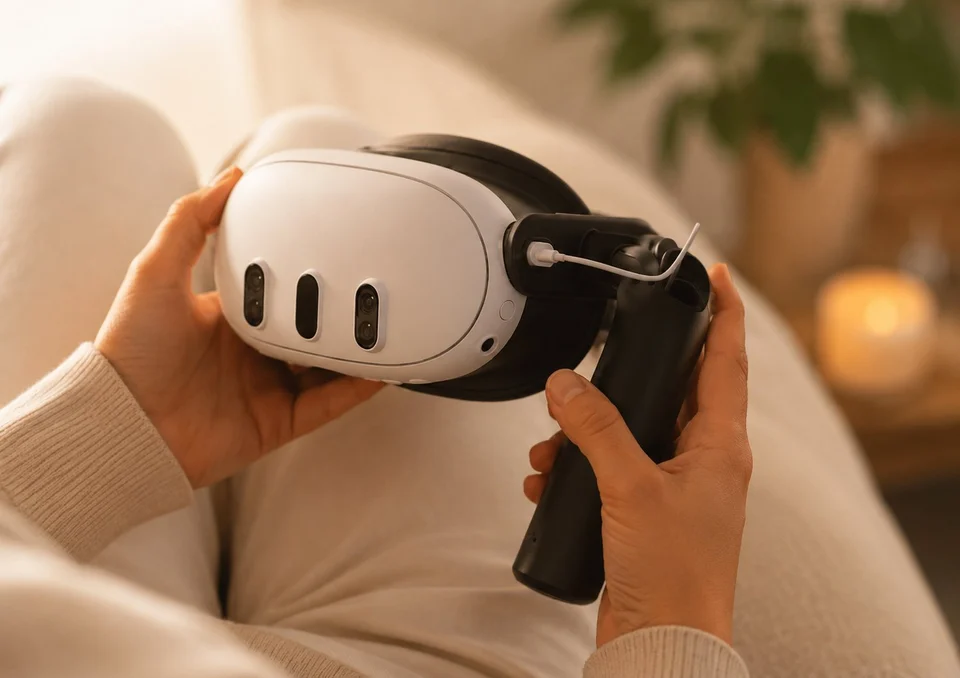
Quick onboarding
Less time setting up. Students can lift the headset, look, and pass it along — the lesson stays in motion.
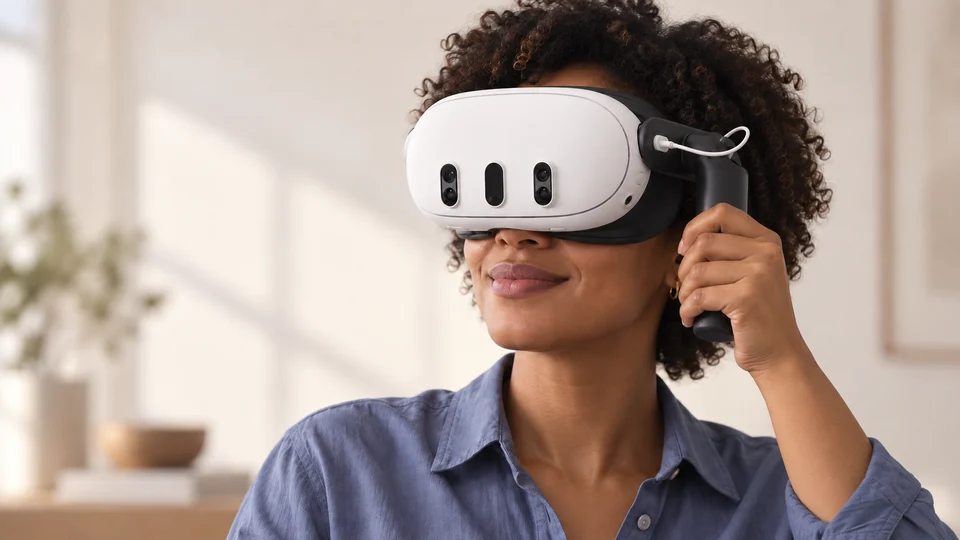
More ways to join in
Comfort students can control. With no head strap to adjust around hairstyles or glasses, students can lift the headset into a position that works for them.
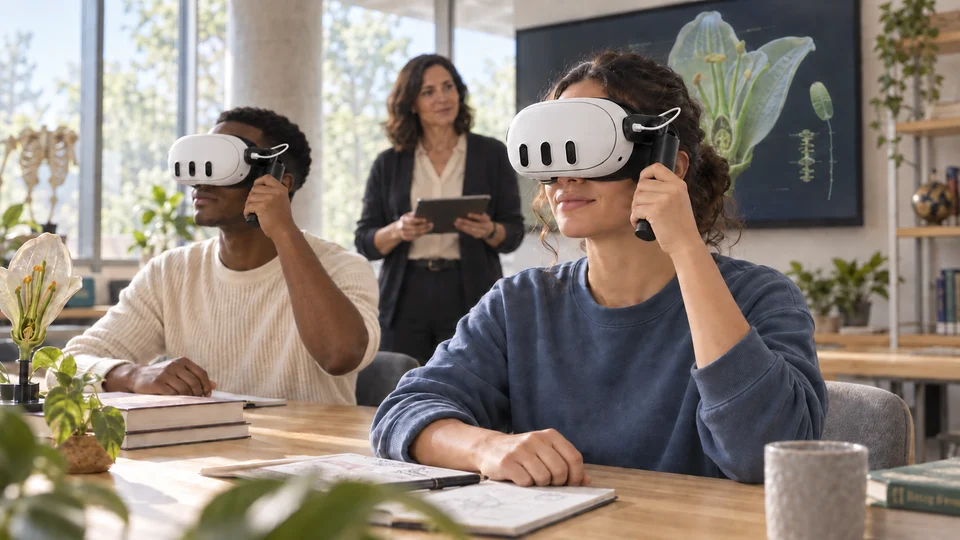
Teacher-led learning
A shared lesson. A familiar rhythm. Introduce an idea, let students look closer, then bring everyone back into the discussion.
Designed for diverse classrooms
01
Made for real classrooms.
Devices are shared across periods. Students rotate quickly. XRHandle is designed for the way classrooms actually move.
02
Easier for first-time learners.
The first experience with VR matters. XRHandle helps headsets feel more approachable from the very first interaction.
03
Supports diverse students.
Students who wear glasses. Students with long hair. Students new to XR. XRHandle helps more students feel comfortable participating.
04
Reduces unnecessary contact.
Pick up, position, and remove headsets without unnecessary contact with hair, makeup, or the face.
05
Built for shared use.
Headsets travel between students throughout the day. XRHandle supports cleaner, more confident handoffs between sessions.
06
Keeps focus on the lesson.
When technology feels natural, attention stays on the experience. XRHandle keeps the device out of the way of the learning.
Companion learning platform
Step inside the lesson.
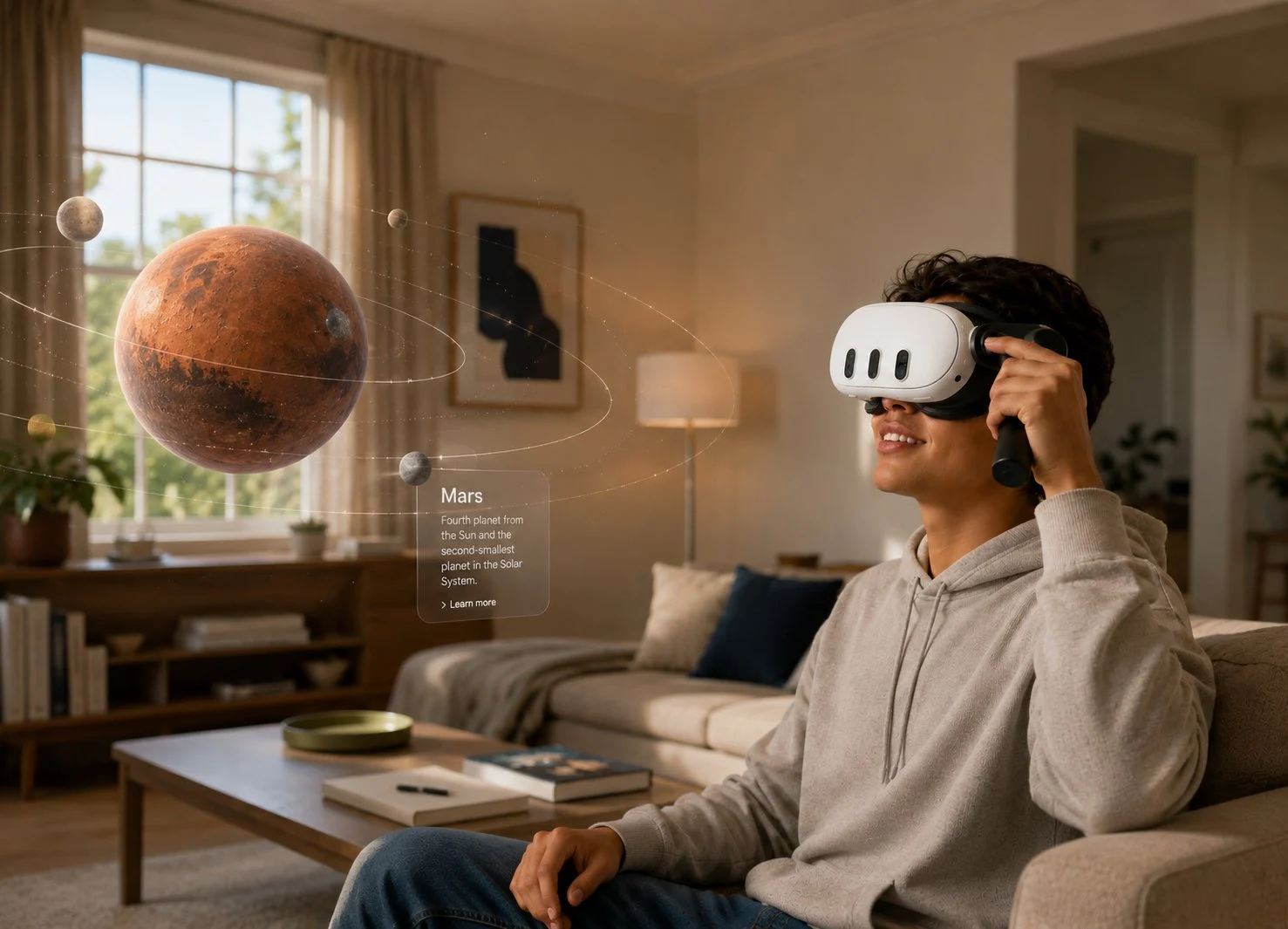
ImmerseXR is the companion app for XRHandle for Education — a learning platform for schools and students, with a growing library of immersive lessons in Science, Technology, and Math — built specifically for the way XRHandle is used in classrooms. Lessons students can step into, look around, and step back out of, without losing the thread of the class.
XRHandle works with any compatible XR experience. ImmerseXR is the experience we built for it — designed from the first interaction up, around the realities of a classroom.
Vetted content
Lessons reviewed by educators and subject-matter specialists before they ship.
Teacher-tested
Iterated with real classrooms — what works at the desk shapes what we build.
Built for shared use
Designed around the pickup-and-go rhythm of a classroom period, not a living-room session.
Science: planetary
Bring space into the room. Give students a new perspective on planets, their surfaces, and the distances between them.
Biology
See biology from a new angle. Bring complex structures into view and give the whole class something tangible to discuss.
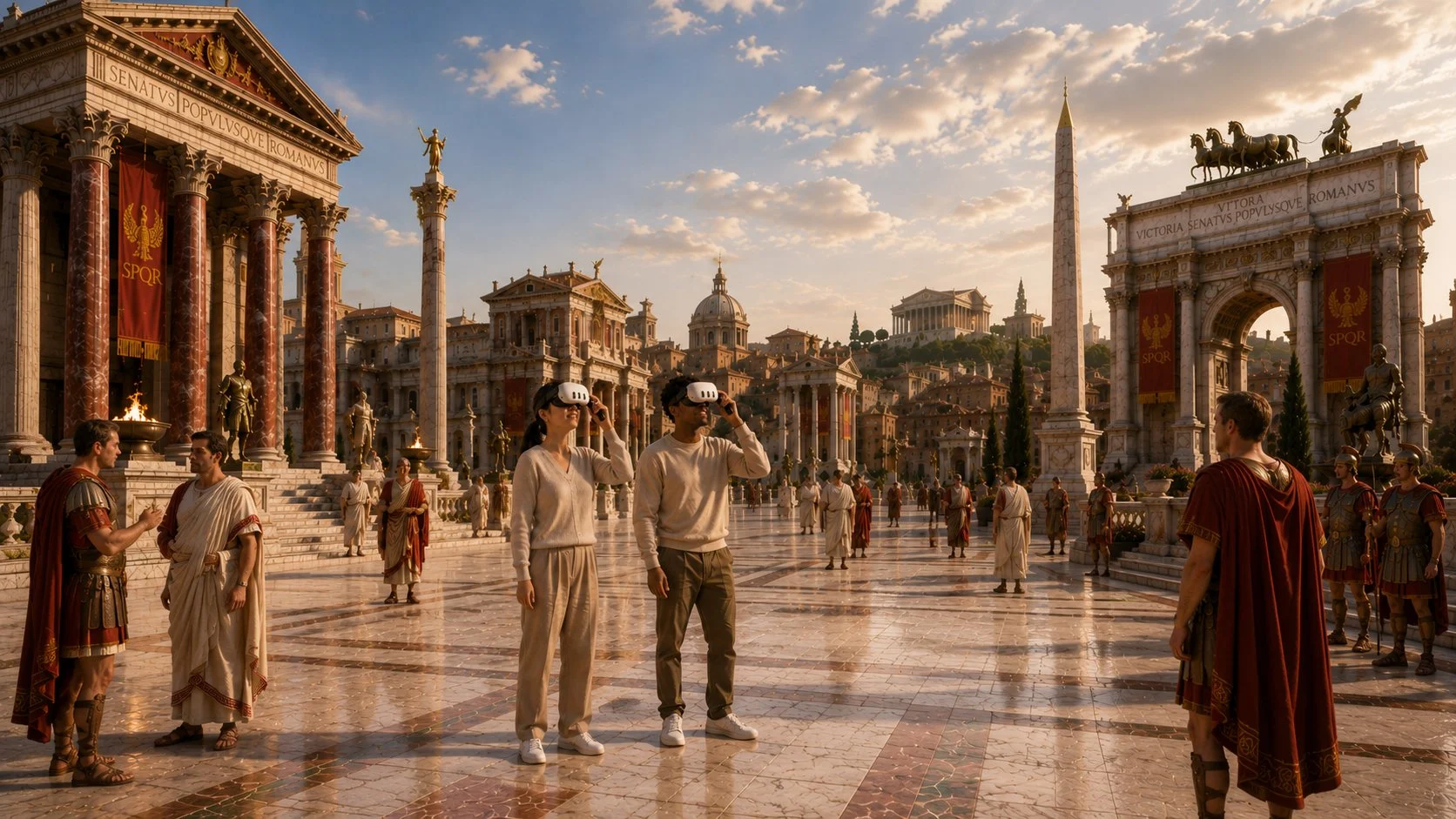
History
Stand where it happened. Walk through historical sites, witness pivotal moments, examine artifacts from every angle.
The future of learning
XR is becoming part of modern learning environments — for field trips, science exploration, technical training, design education, and collaborative experiences. XRHandle helps schools bring those experiences into the classroom more comfortably, more practically, and with greater confidence.

Field trips
Go beyond the classroom. Explore a coral reef, a distant landscape, or a historic site — and bring a new perspective back to the lesson.
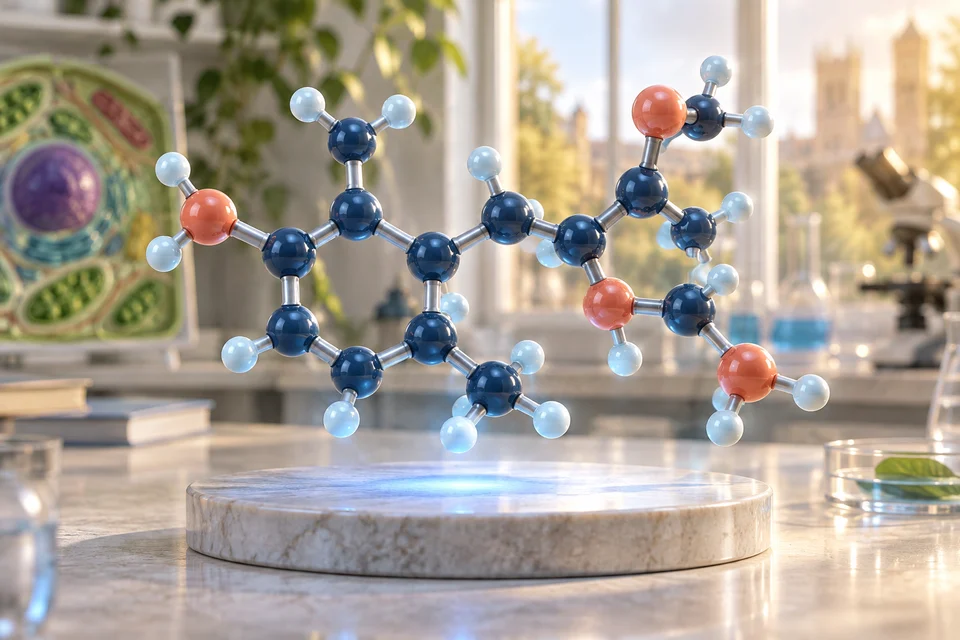
Science
Explore at every scale. From molecules to ecosystems, immersive experiences make complex systems feel concrete.

Technical training
Understand how it works. Look inside a mechanism and explore how its parts fit together before working with physical equipment.
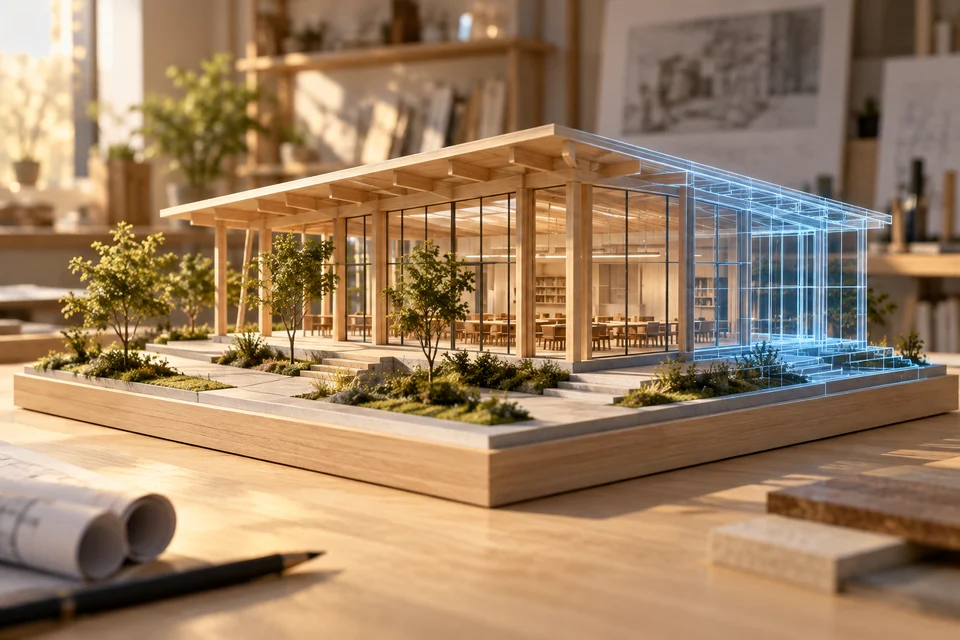
Design education
Build in three dimensions. Sketch, model, and review work at full scale with collaborators in the same space.
For schools and institutions
Tell us about your school or program. We'll come back with a pilot plan, hands-on demonstrations, and a rollout shaped around how your students actually learn.
For individual educators
Start with a few handles for your classroom or learning space. Tell us what you have in mind and we’ll help you choose a setup.
Exploring XRHandle or have something in mind? Send us a note, or choose a time to talk. We’ll help you work out what’s right for you.